
01Step 01 / 07
Meet & Greet
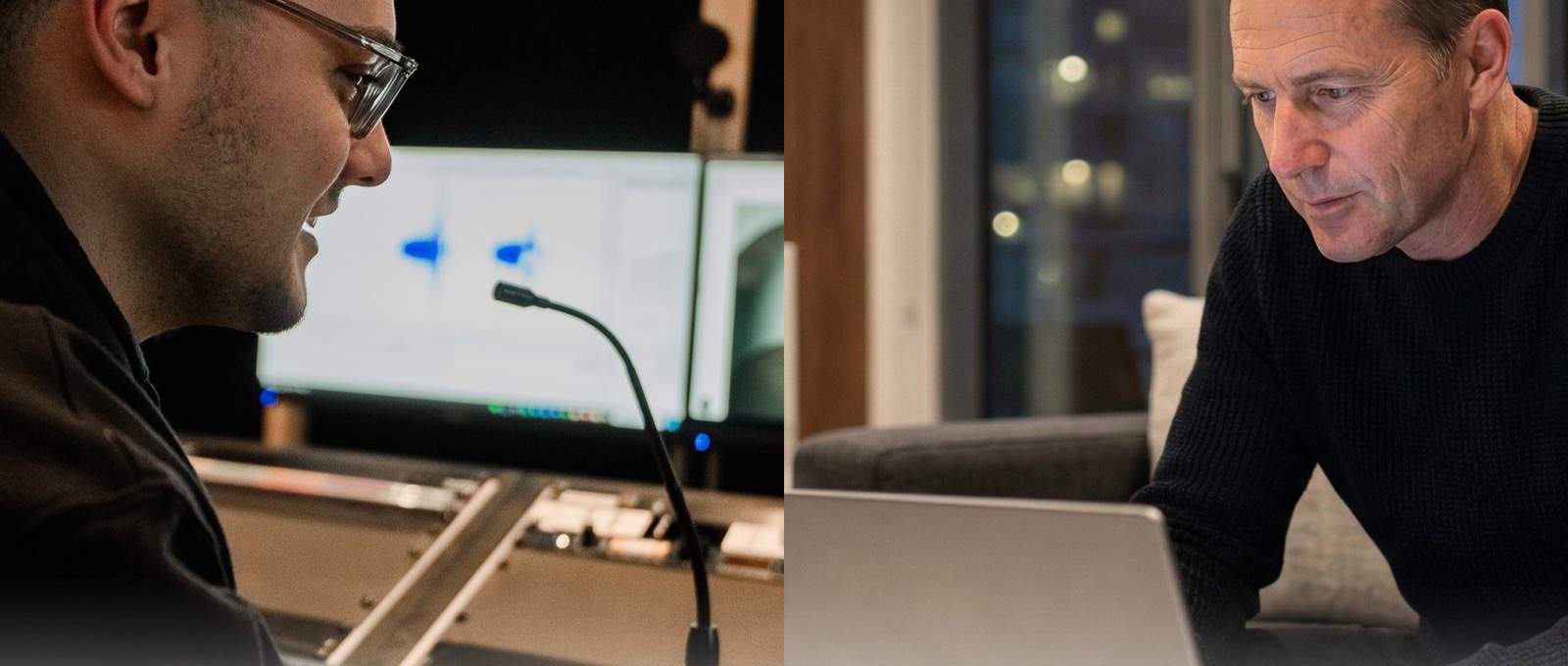
Let us get to know each other. Our Sound Specialist introduces themselves, explains what the product can do, and tries to get a feel for you.
Grazat your place
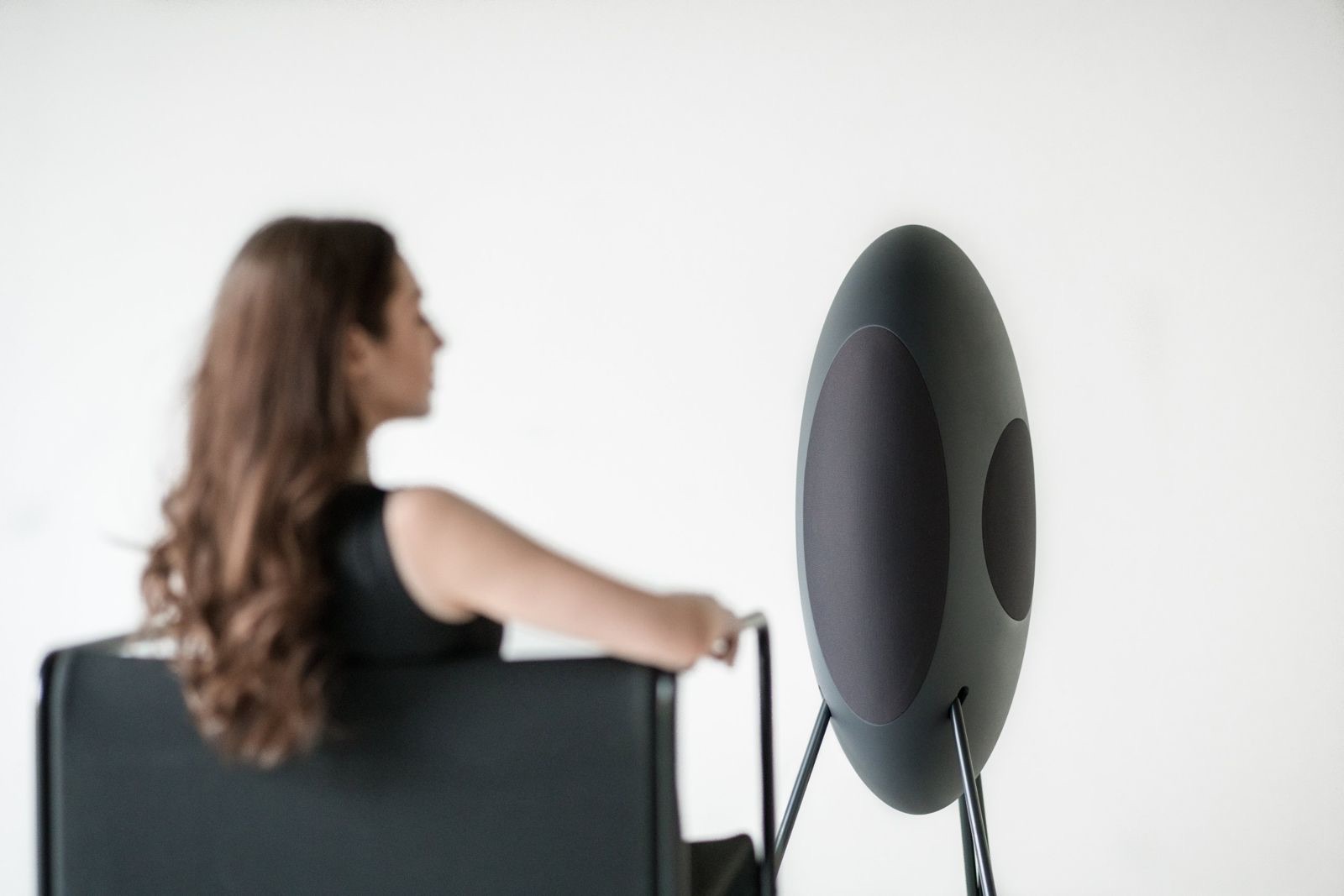
musegg® corrects your room like any good system. Then we fit the sound to you, together with a Sound Specialist, over video call, wherever you are.
Room correction vs. Fitting
Every living room has its own acoustics: corners boost the bass, walls and windows reflect sound. That is completely normal and hard to avoid. Room correction compensates for their effect on the sound. Many systems can do that today.
musegg® goes one step further: our HoRooc algorithm also adapts the sound to what you like to hear. We call that fitting.
Fitting Lab · interactive
You say what you want to hear. In Remote.Fitting, your Sound Specialist translates it into your frequency response. Try it out.
Pick a wish. Your Sound Specialist translates it into your frequency response.
I would like the bass with more punch.
Upper bass, narrowly raised. This is the kick of the bass drum, the pressure in your chest. Deep bass and vocals stay unchanged. Tighter, without boominess.
Vocals should be clearer.
Mids smoothed, slightly raised. Vocals stand out more clearly in the room, without making the music thinner.
Cymbals sound too sharp to me.
Upper highs gently lowered. The detail stays, only the harshness goes.
HoRooc is our own algorithm for room correction and fitting. It measures how your room changes the frequency response, for example through room modes (standing waves in the bass) and reflections. From that it calculates a correction towards a target curve. With musegg® this target curve is not fixed: you choose it from a curated selection or have our Sound Specialists create it for your taste. The measurement data stays stored in the Loutd.Cloud, so new setups are possible at any time without measuring again.
Acoustics in the living room
Many people reach for automatic room correction. It compensates for how the room colours the sound. It does not change the acoustics themselves. Around a third of all problems with hi-fi in the living room are exactly that: setup and calibration.
With Remote.Fitting you do not measure alone. Your Sound Specialist shows you how to improve the acoustics in your living room.
“In the end it sounds better. Not just different.”
Process · 7 steps by video call
Let us get to know each other. Our Sound Specialist introduces themselves, explains what the product can do, and tries to get a feel for you.
Together you measure your listening position. The Sound Specialist guides you around all the pitfalls. The measurement is checked straight away for anomalies and completeness.
The Sound Specialist explains the measurement result in detail and how your room affects playback. They also give you advice on small optimisations you can make quickly.

With questions about your favourite music and the details you like most about it, the Sound Specialist tries to find out how you like to listen. Based on that they create a profile.
Several settings are now created from your profile. This is done by our unique HoRooc system. The settings are made available in your profile right away, so you can call them up.
Your settings are explained to you in detail. This helps you to easily recognise differences that only show up in nuances. With this knowledge you try the settings and hear which suit you best.
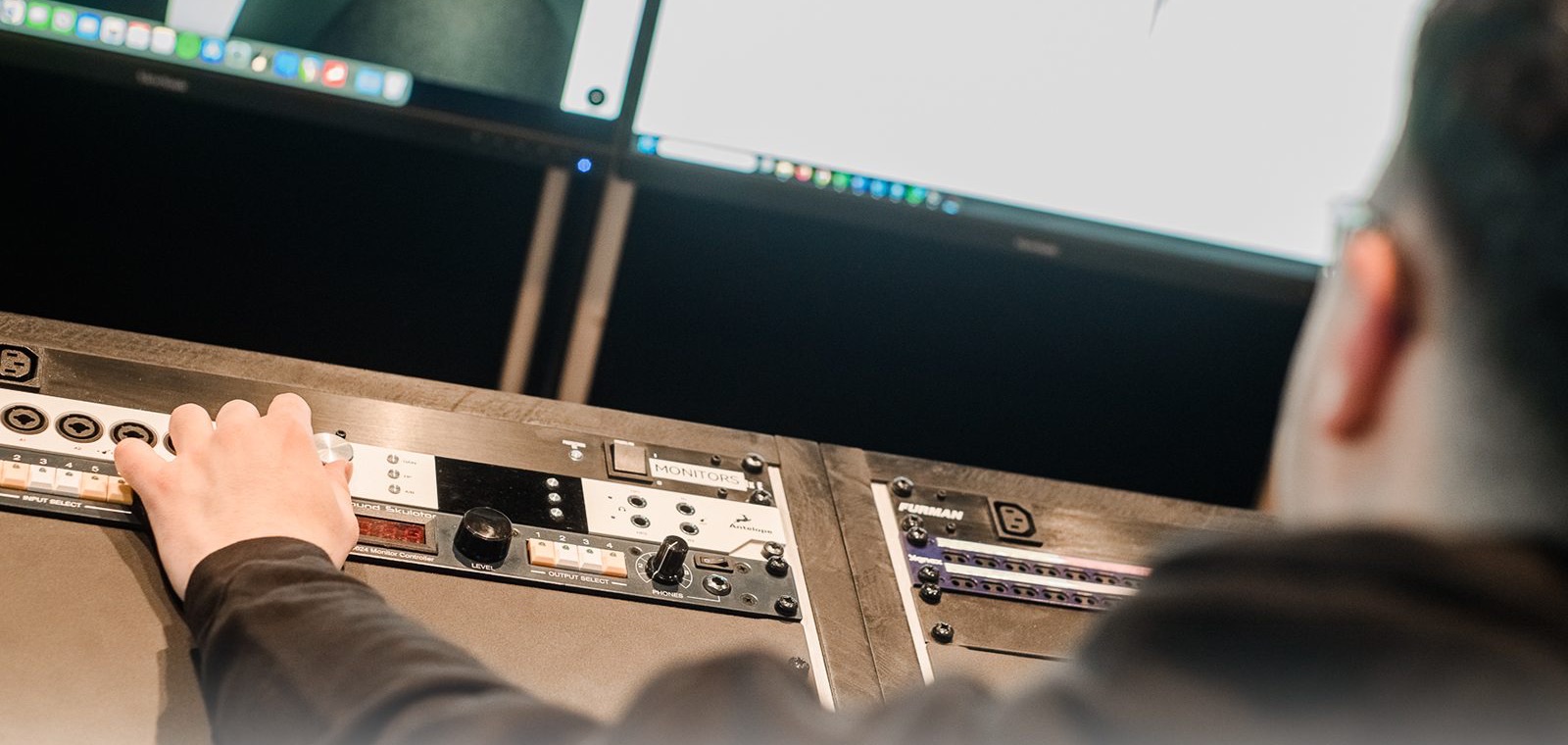
While listening you will notice details that make it easy to describe which direction to go next. Your settings are tuned further based on your impression.
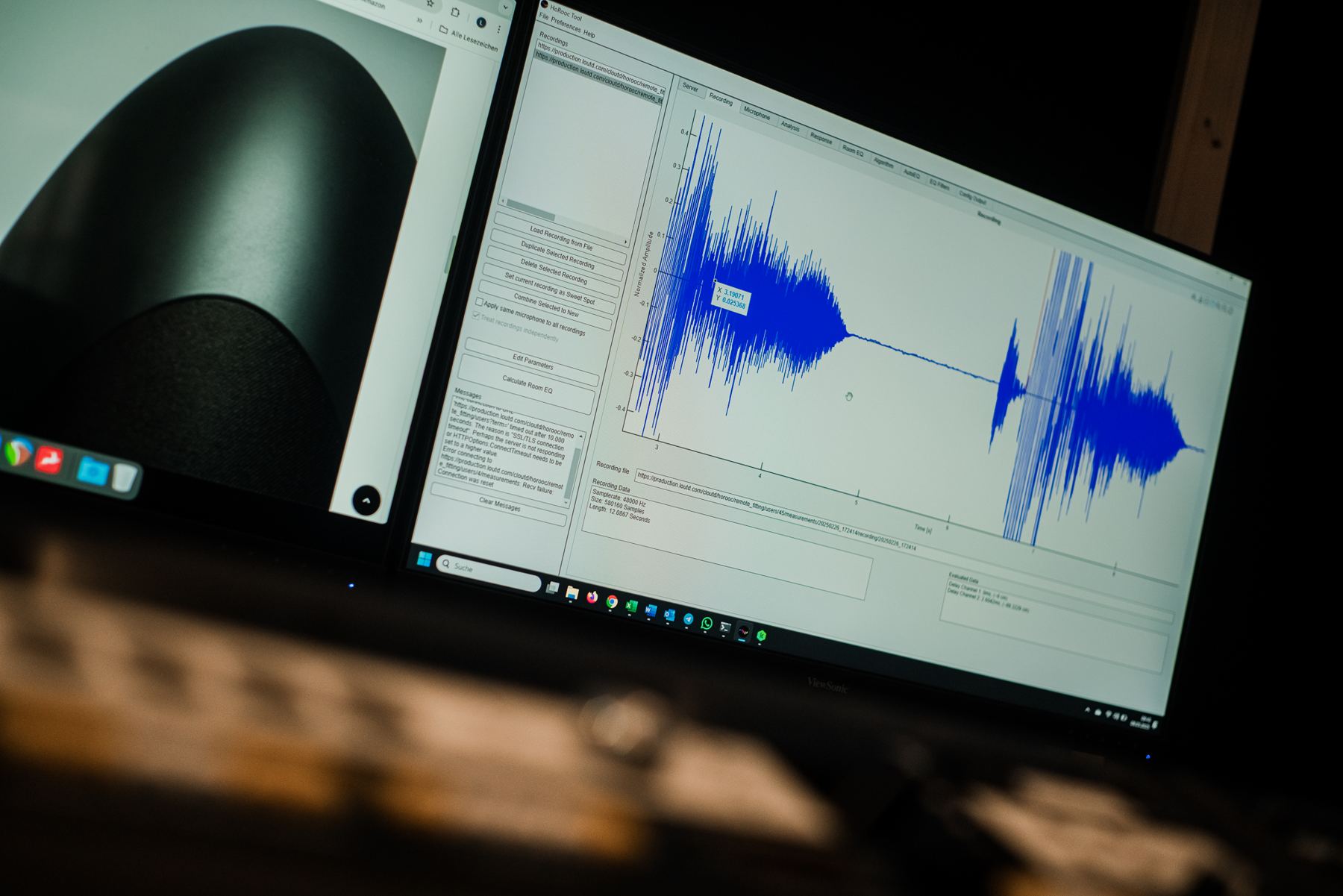
During the measurement
The measurement works exactly as in Self.Fitting, with one difference: a Sound Specialist analyses the data in parallel. They recognise room modes and reflections, put them in context and decide what gets corrected and what makes up the character of your room.
Your taste is taken into account consciously, through the conversation, and unconsciously, through your reactions while listening.
Understand your room · interactive
Corners boost the bass, standing waves exaggerate individual frequencies. Drag your listening position and the speakers around the room and see what changes.
Schematic representation of standing waves in the bass. How your room really sounds is measured with you by your Sound Specialist.
Self.Fitting vs. Remote.Fitting
Remote.Fitting Basic
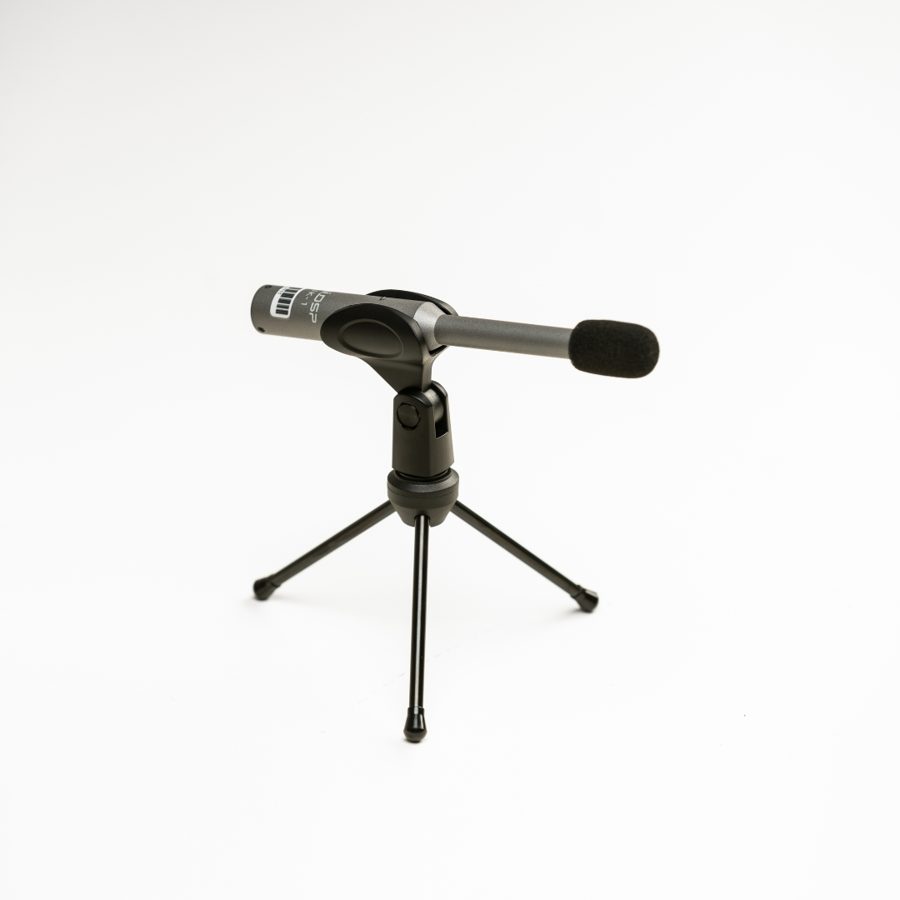
Prefer your own? miniDSP UMIK-1 in the Loutd shop
FAQ
Two appointments by video call: the first session measures and creates your setup, in the follow-up you readjust according to your listening impression.
No. We lend you a miniDSP UMIK-1 and send it to you before the appointment. Afterwards you send it back. There is no deposit, we only charge for a replacement if it is lost.
Room correction compensates for the influence of the room on the sound, towards a target that is the same for everyone. With fitting, the target comes from your taste, and a Sound Specialist checks the measurement and result with you.
No. Self.Fitting uses the same HoRooc algorithm and the same measurement microphone and is included. Remote.Fitting adds the experience of a Sound Specialist and a target tuned to you.
Yes. Your setup is explained to you, and you can keep adjusting it in the Loutd.Link app. Your measurement data stays stored, so new setups are possible later too.
After a move or new furnishings you simply measure again, yourself or with us.
No. You tell us what you like about music. Your Sound Specialist takes care of the technology.
This is usually down to room modes: standing waves that significantly boost certain bass frequencies. HoRooc measures precisely these frequencies and specifically attenuates them without compromising the power of the rest of the bass.
Above all, it’s about positioning and set-up: placing the speakers and listening position correctly, and using carpets, curtains or shelves to reduce reverberation. If your living room echoes or the bass booms, your Sound Specialist will show you during the Remote.Fitting which measures will make the biggest difference in your room. Room correction balances out any aspects of the sound that cannot be changed in this way – whilst the room acoustics themselves remain the same.
Both work. The wall and the corner boost the bass. The room correction balances out this boost. You’ll work out the best distance in your room during the fitting.
As a rule of thumb, the two speakers and your seating position form an equilateral triangle – the stereo triangle. When carrying out the measurements, your Sound Specialist will assess how well this works in your living room and give you some tips.
Measured at your place, fitted to you. With Self.Fitting included or Remote.Fitting for €199.
We use optional cookies for analytics and marketing. Choose which to allow — see our Privacy Policy for details.